From memory to intelligence - building at scale with agentic AI
In my previous post, I went in depth on the issue of agentic memory and how to address it when working with multiple agents locally and with team members who are also using multiple agents, while trying to preserve institutional knowledge. OAK, was a project i worked on, starting late last year, to start to understand and solve these problems for professional developers and teams. Much of the research and development that went into OAK was rooted in the idea of comprehensive data collection. Can we reliably collect rich data from users, coding agent sessions, and then try to pull meaningful memories from them? And then can we make those accessible via semantic search that's easily accessible to agents and users alike? Spoiler: the answer is yes. While not trivial, certainly possible and becoming more so as these agents mature. There are many projects out there doing some of this well. Many focused on single-agent ecosystems; however, the premise is consistent. Keep as much context resident with your project as possible to make future agent sessions more successful. This is so critical that agents themselves ship comprehensive memory systems, such as Claude Code's undocumented dream feature. Which automatically recognizes key concepts, follow-ups, and user cues, and curates them to the local file system as a series of markdown documents. Or just search on the dozens of projects based on Karpathy's wiki for building personal knowledge bases. Memory is table stakes.
Over the several weeks, my interest in this subject hasn't dwindled; it's only gotten stronger. OAK was fun and challenging to build. However, where it started (an SDD toolkit) and where it ended up led to a high level of code complexity, with features that were a little disjointed and an ecosystem that had evolved. I also had new ideas I wanted to explore, and since they were so fundamental to the core architecture, it made sense to start fresh, so I began building Myco. Over the next several posts, I'm going to discuss the features of Myco, the problems I think are worth solving, and how you and your team could benefit from either this project or these ideas as you build moving forward.
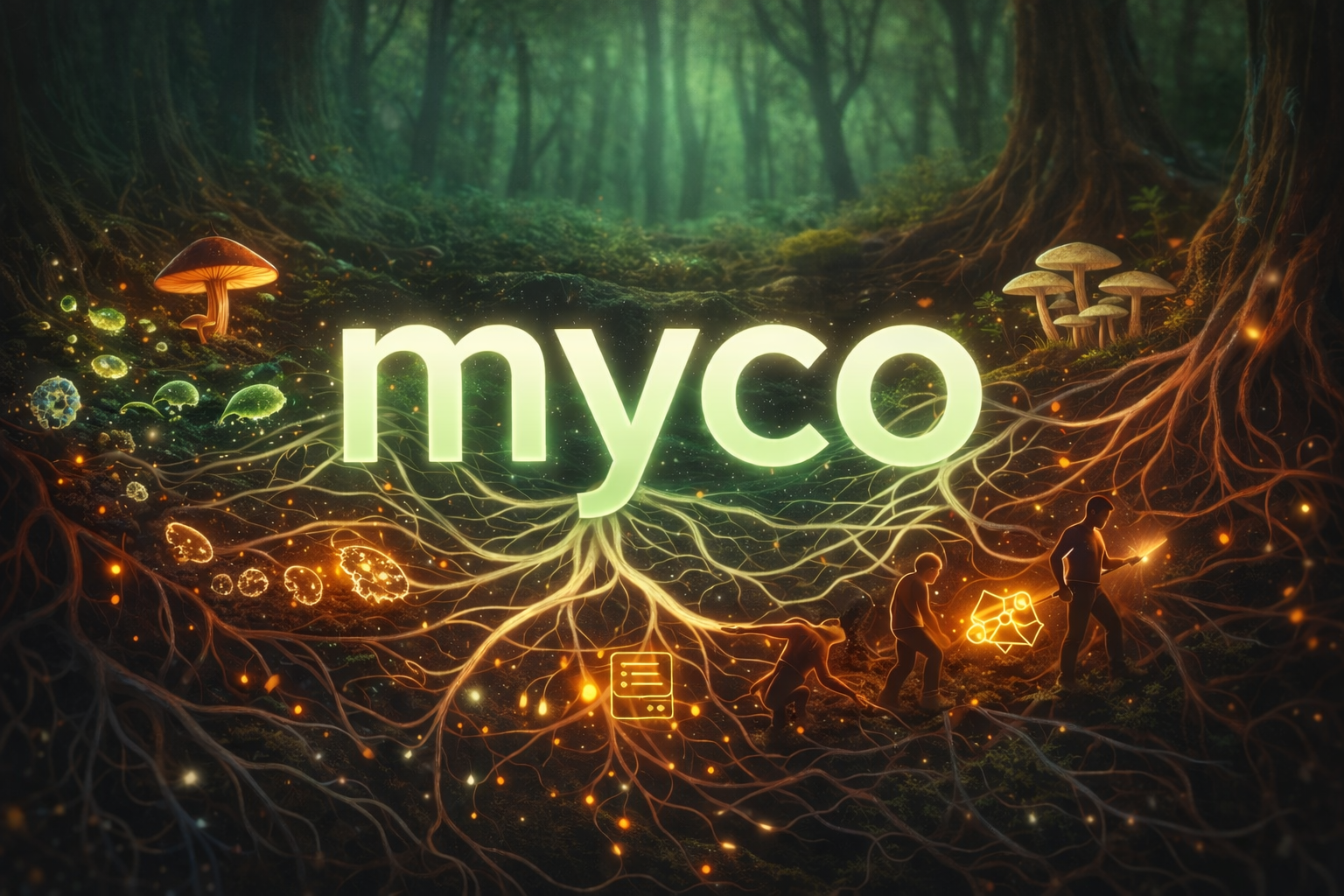
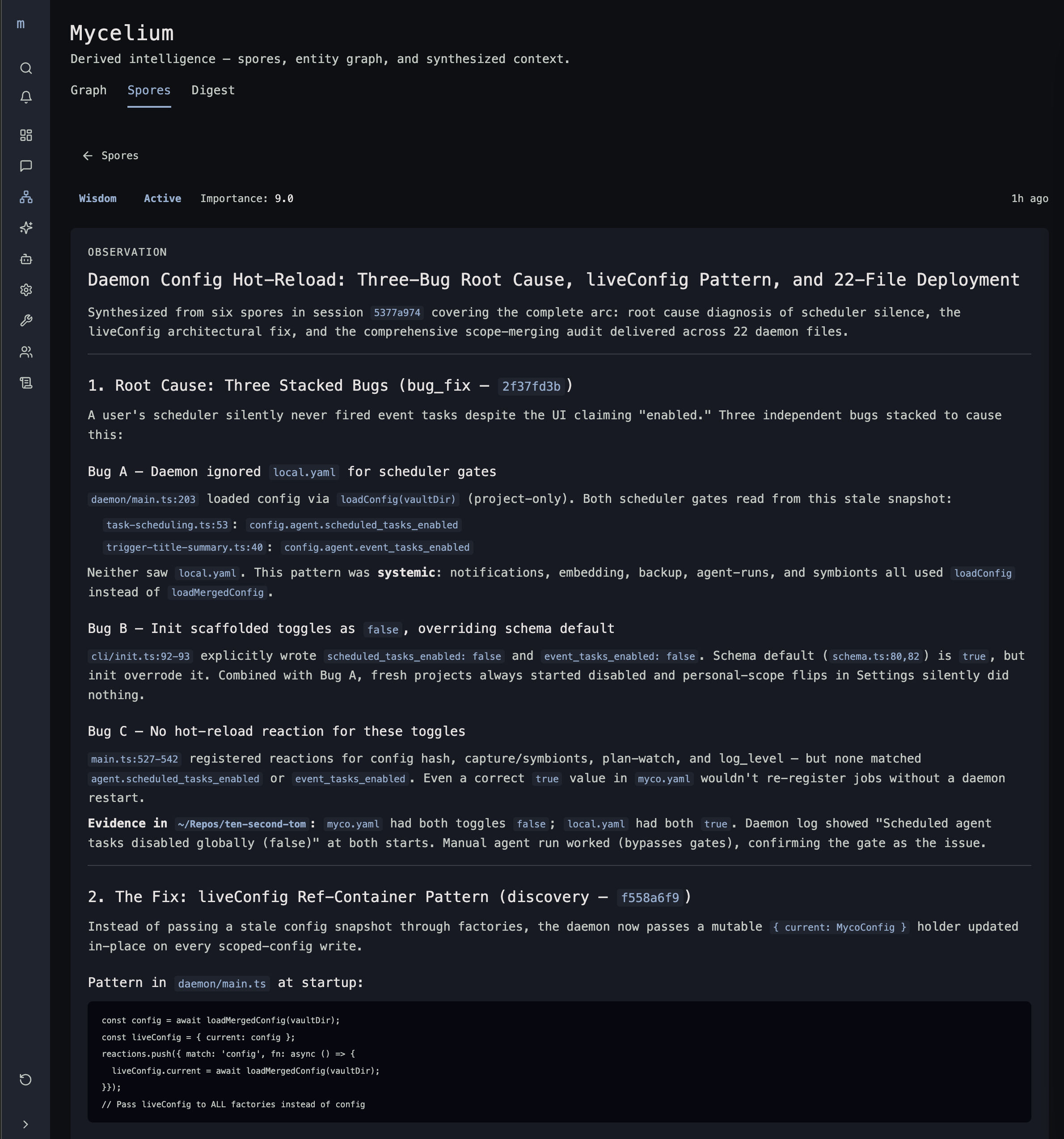
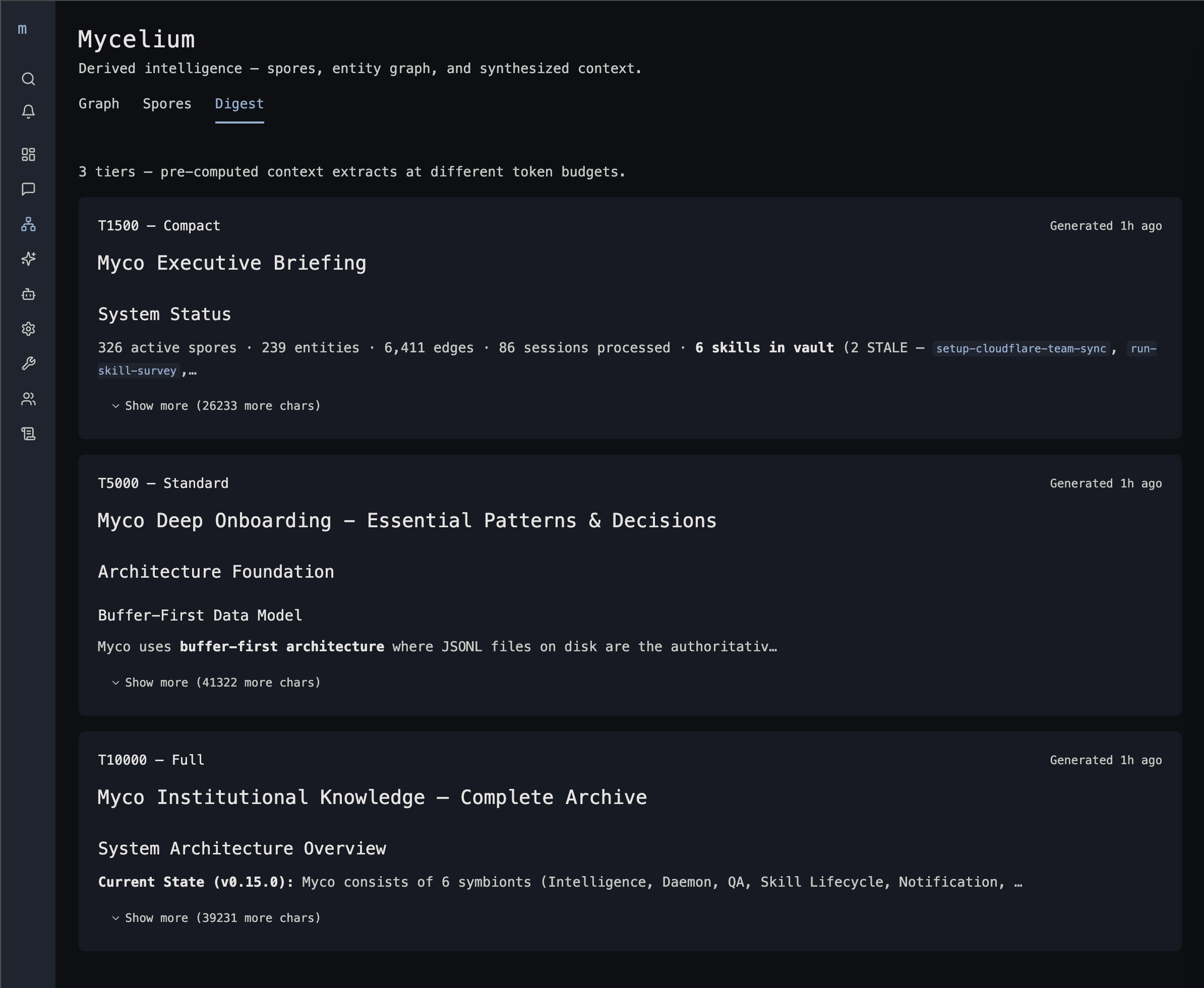
Let's start with the name. Why Myco? First, I love themes. It's just more fun that way. And second, the previous metaphor: OAK "strong" and memory like the rings of a tree, now moving to a more biological metaphor: Myco or mycorrhizal networks, is a more apt mental model. We have spores, akin to memories and concepts. Symbionts, which combined with you, are the originators of knowledge (agents, skills, prompts, summaries, plans). Digests, which are produced by the Myco agent as it consumes spores and synthesizes raw data. This then gets fed back into the Symbionts, and the cycle continues. It's a living intelligence right inside your project, changing and evolving as you build. See, I told you I like themes 😄
Setup and Collection
Symbiont's (aka coding agents). This is the Claude Code session that you're using to build. We want to understand everything you and Claude are doing and inject relevant intelligence back into the context to ensure that each session, short or long, maintains a consistent, evolving understanding of your code, the project, and what it's doing. And when you open Codex alongside to make sure Claude's solution is sound, it starts with the same understanding, and its results add to the collective intelligence, which Claude can then benefit from. Most builders use multiple agents, not just one, so Myco's data collection and integration are comprehensive. Use Claude, Codex, Cursor, Copilot, Antigravity, Windsurf, Pi, and opencode in the same project.
Setup is simple. It's going to install the myco NPM package, set up a service to host the daemon locally, and establish a .myco directory in your user home. Any supported coding harnesses you have installed will be automatically detected and configured for data collection and intelligence integration via hooks, plugins, transcripts, and local MCP connectivity to access the myco tools. Your project will be automatically registered on your next session, post-Myco install. Simple, easy, and automatic.
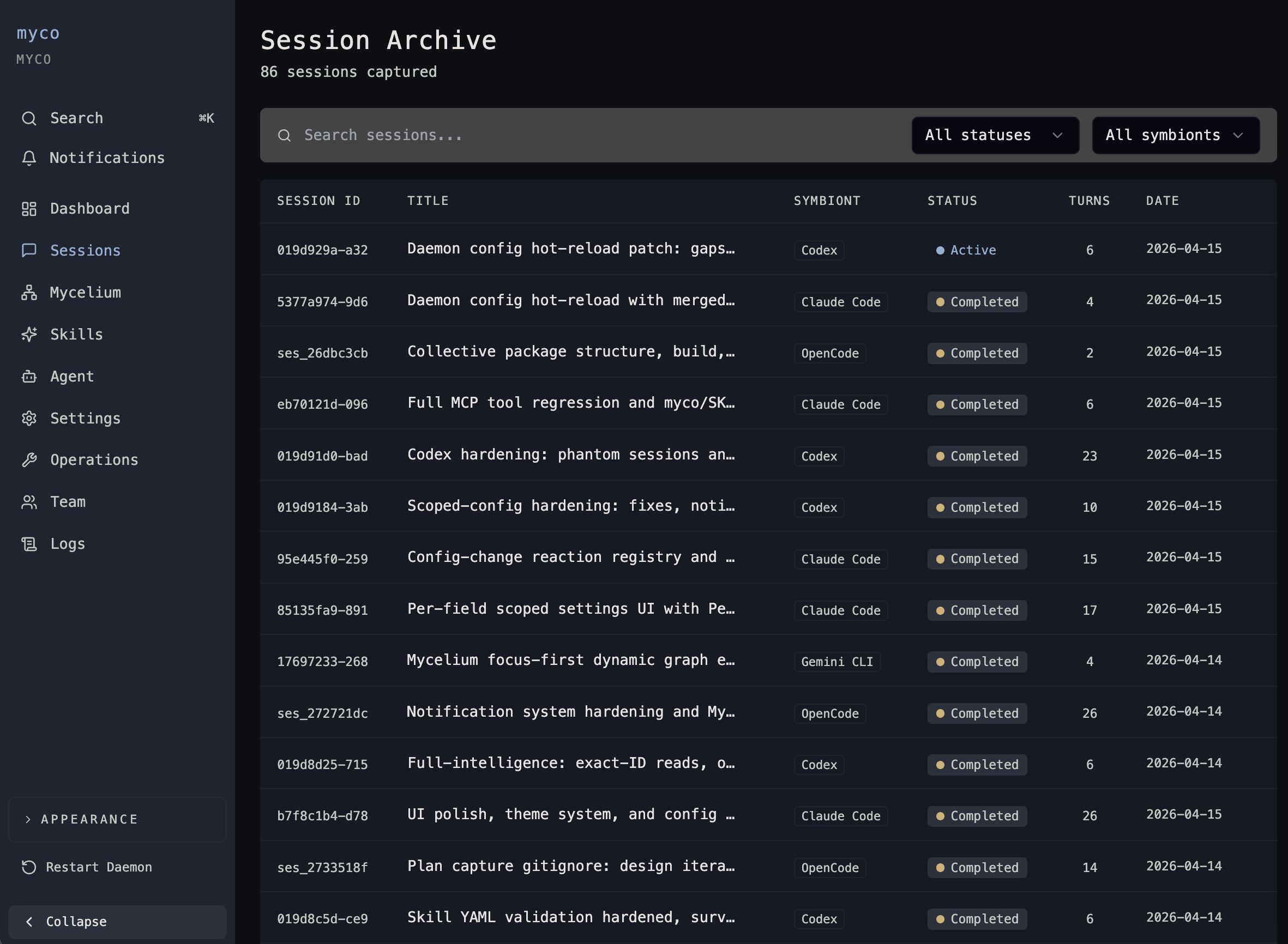
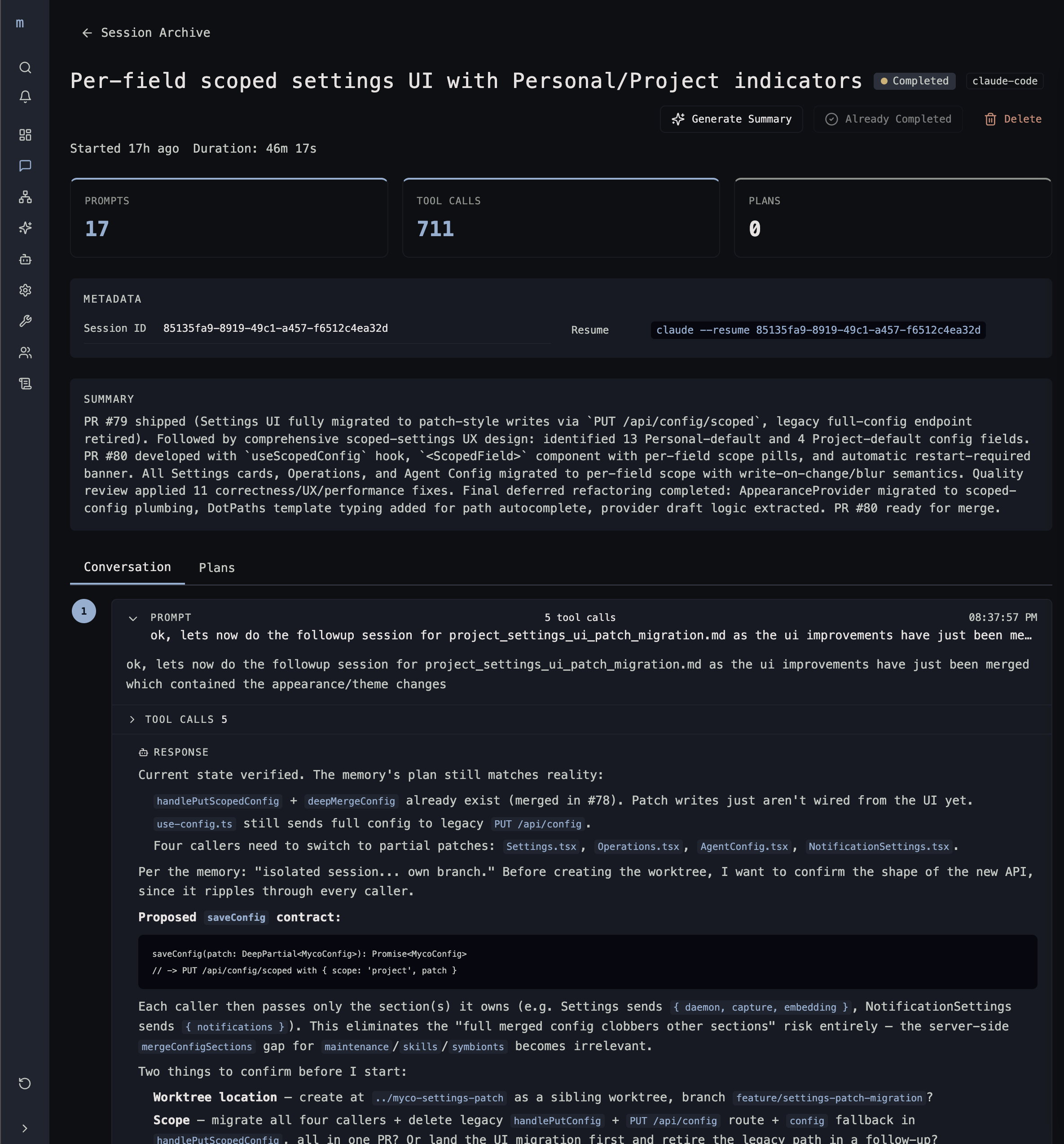
Here's what's going on at a high level:
- You start a new session in Claude, and through its lifecycle hooks, we can identify that session.
- You submit a prompt. Claude kicks off a series of work on your behalf, including all tool calls, code exploration, skills loaded, MCP tools used, how it accessed them, and the results returned. We capture it all.
- Finally, wrapping up with the summary from the agent. This completes the turn.
This general pattern is applied to each Symbiont you enabled to ensure consistent, uniform collection as you switch between them. Some are also enabled for advanced capture, which leverages the agent's transcript or hook patterns to collect things like screenshots that you've added or plans generated from plan mode or skills like /superpowers specs and plans. SDD gets captured here, too. No need to keep and maintain endless markdown files and artifacts in your repo. This is all stored locally in your myco project's SQLite database and accessible via the web interface and to your agents via MCP.
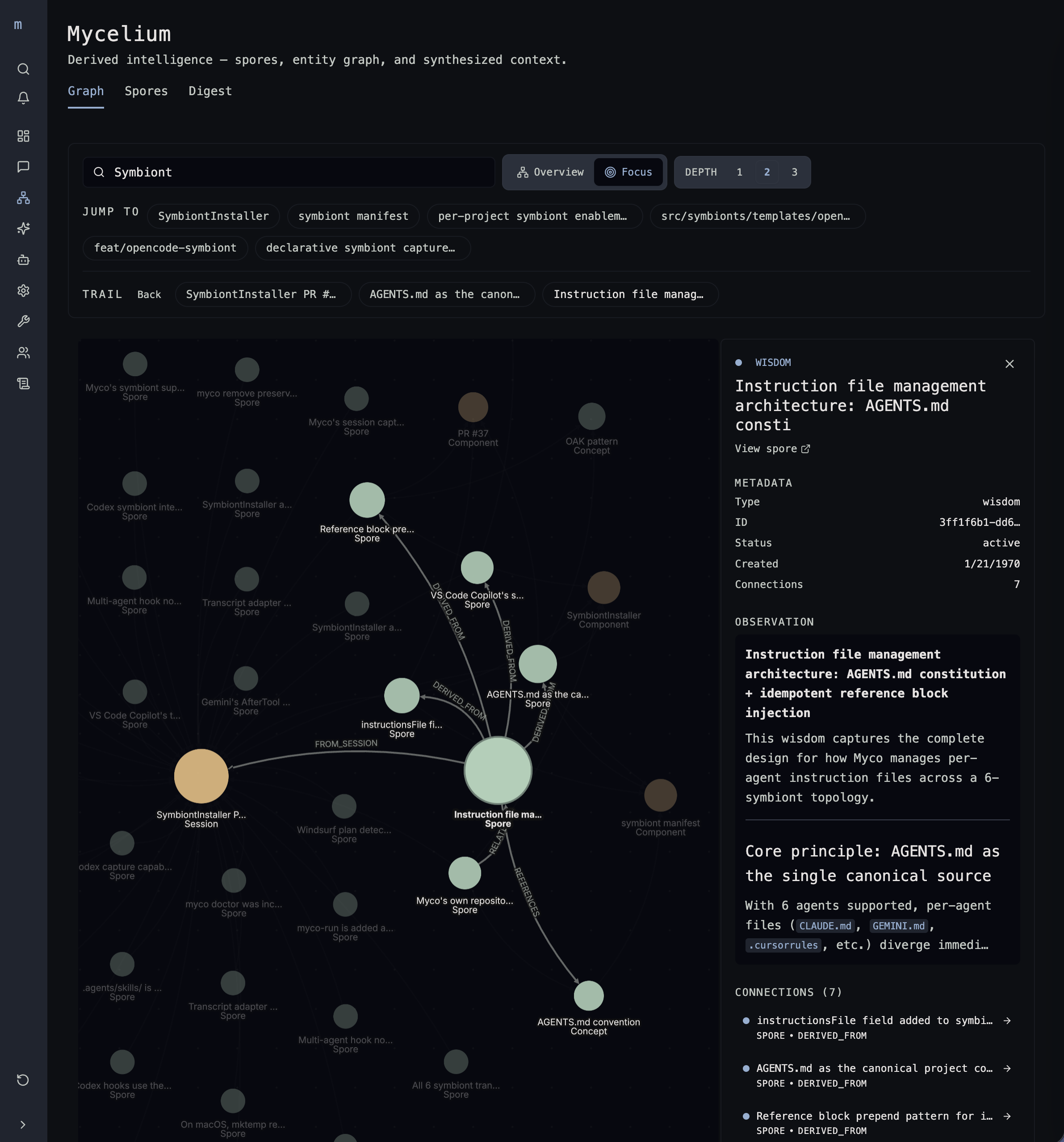
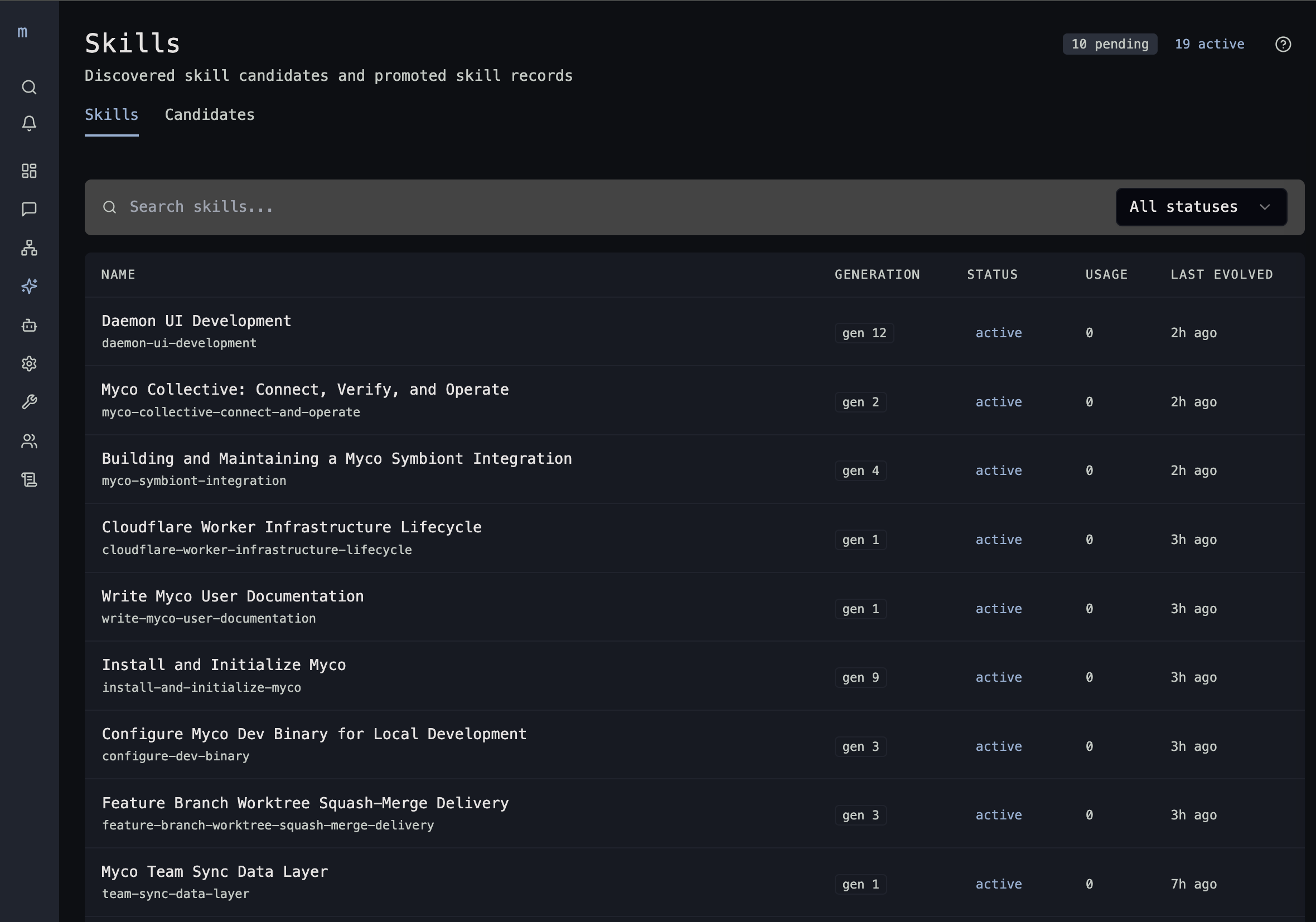
Now, that's pretty cool in and of itself, but it's just the start. This is when myco really gets to work. In the next post, I'm going to do a deep dive on the Myco agent, which is a purpose-built agent harness that drives the intelligence cycle. The agent has specific tasks to perform. Some are as simple as setting the session title and generating a summary, and as complex as building the edges of a graph to interconnect concepts, spores, plans, and sessions. Here is a preview:
So stay tuned for the Myco Agent deep dive, followed by Teams and Collectives. Myco is in active development, so try it out for yourself. If you find a bug or have a suggestion, engage with me over on GitHub. See you there!